5 Feb
2026
5 Feb
'26
3:37 a.m.
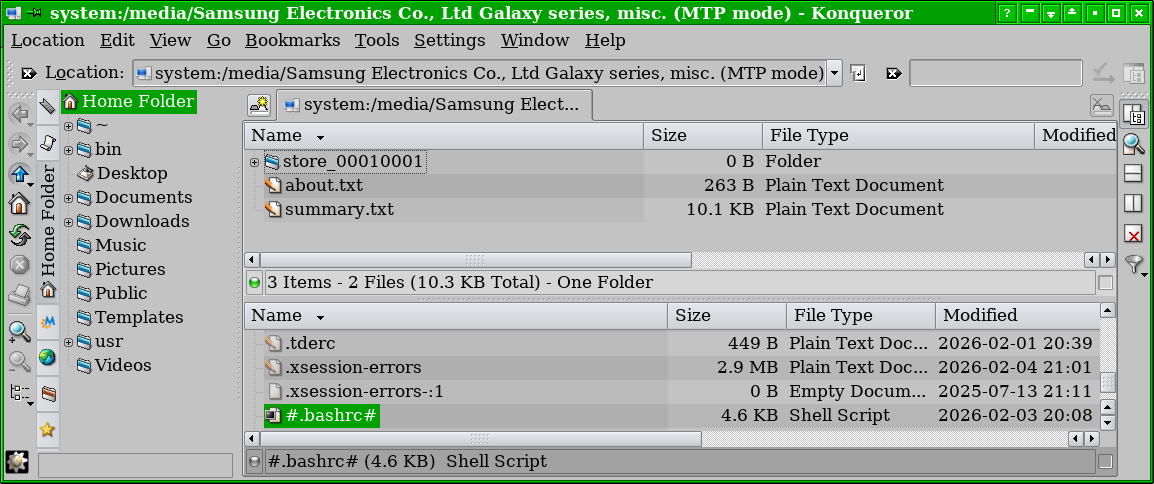
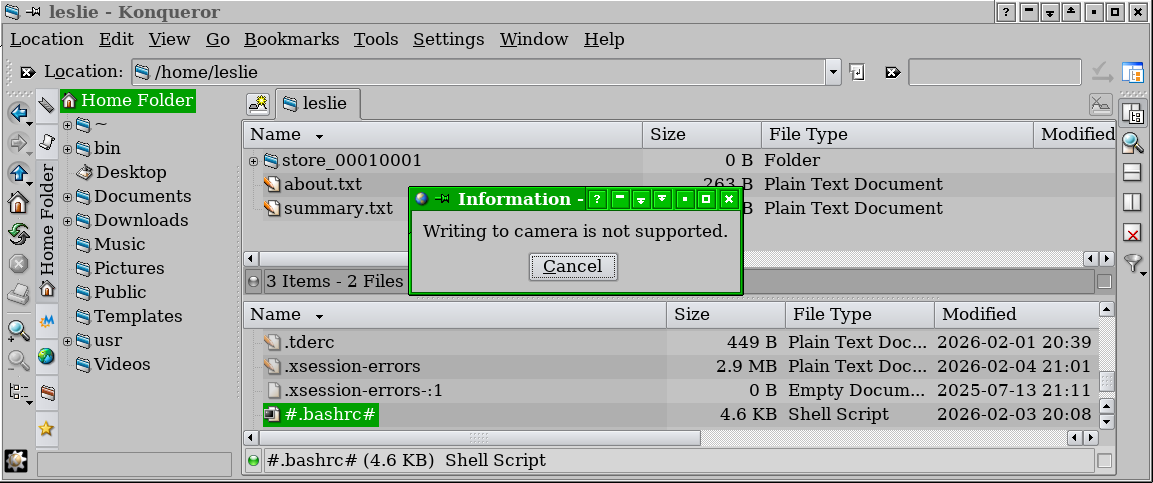
I want to copy some files from my computer to my Samsung phone. I can connect them together, and a Konqueror window opens showing the phone's storage (attachment 1), but when I try to copy a file to it, I get a message, "Writing to camera is not supported." (attachment 2).
The phone has two settings for file transfers: 1) "Transfer media files to a computer via an MTP connection." 2) "Transfer images and other files via a PTP connection if MTP is not supported."
Using either connection method produces the same result. Is there a way to tell Trinity that it's a phone, not a camera?
Leslie